Scanning is only the beginning.
OneScribe reads each document on your iPhone and iPad, understands what it is, and keeps working with it after the scan.
Reading
- Any page, printed or handwritten
- Apple’s Vision framework reads printed text and handwriting in reading order, across as many pages as the document has.
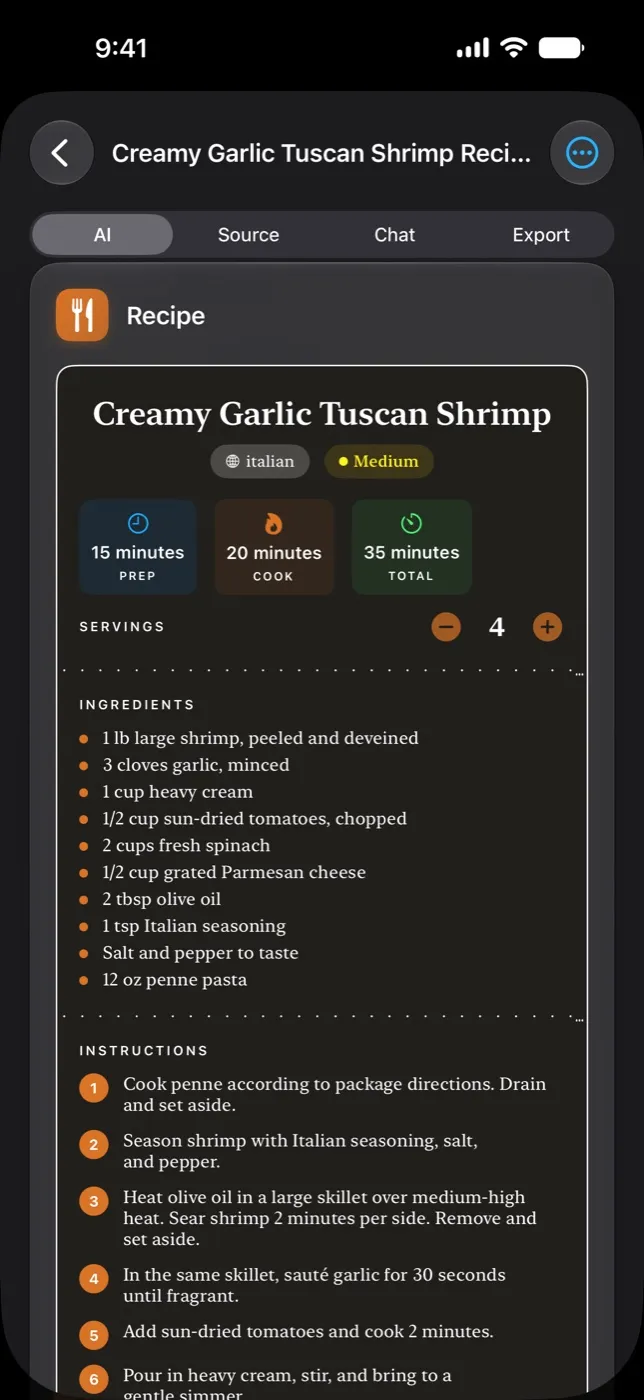
- Dozens of Data Cards
- OneScribe recognizes what kind of document it’s looking at and fills a card built for it: a receipt gets its line items and total, a lease its notice period and renewal date.
- Checked after it reads
- Impossible dates, negative amounts and totals that don’t add up are caught and read again before a card is saved.
- Apple’s on-device model
- Data Cards are read by Apple Intelligence on the device. It needs an iPhone 15 Pro or later, or iPad with M1 or A17 Pro.
Keeping watch
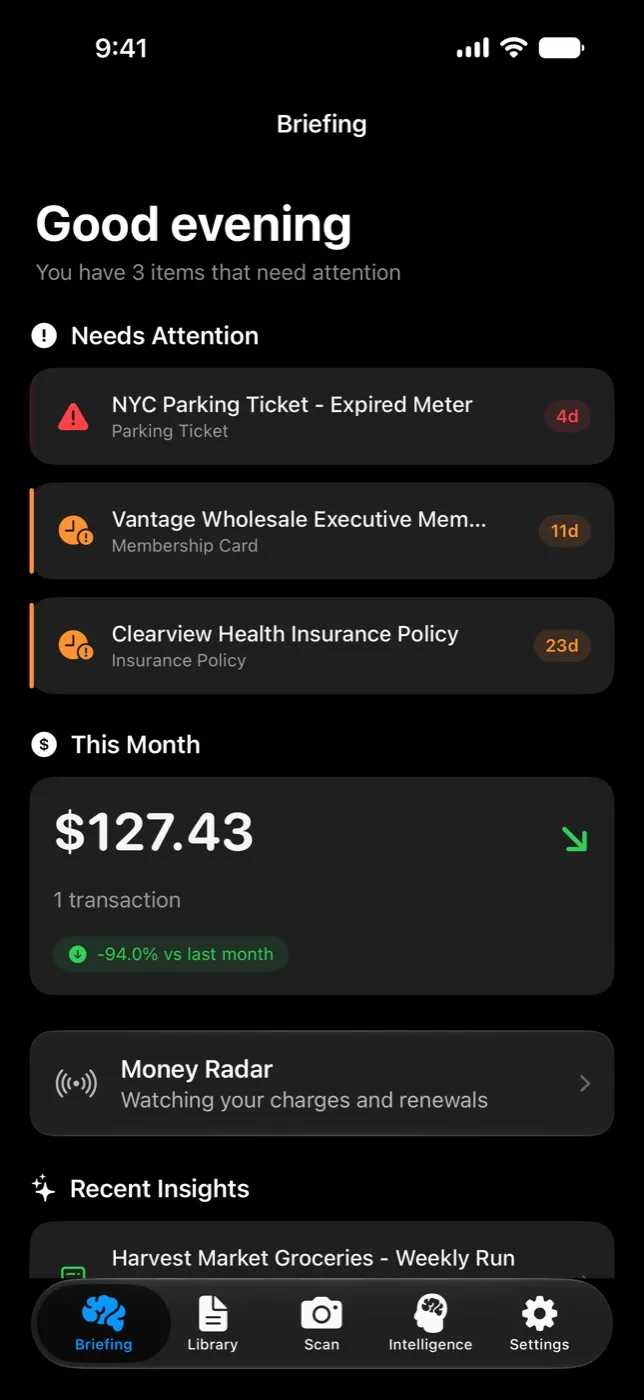
- Daily briefing
- A morning summary of what needs attention: deadlines coming up, recent spending, and what’s new in your library.
- Weekly digest
- A look back at the week: what you scanned, what you spent and what’s due next.
- Alerts before deadlines
- Warranties about to lapse, return windows closing, policies up for renewal. You hear about them before they pass.
- Connections
- Related documents link themselves: a receipt to its warranty, an invoice to its payment, an insurance card to a registration.
- Series and people
- Monthly statements line up as a series, and the people, companies and vehicles in your documents are tracked across all of them.
Asking and acting
- Search in plain English
- “What did I spend on groceries this month?” Ask across everything you’ve scanned.
- Ask a document
- Ask a single document about its cancellation terms or its deductible, and get the answer from the page.
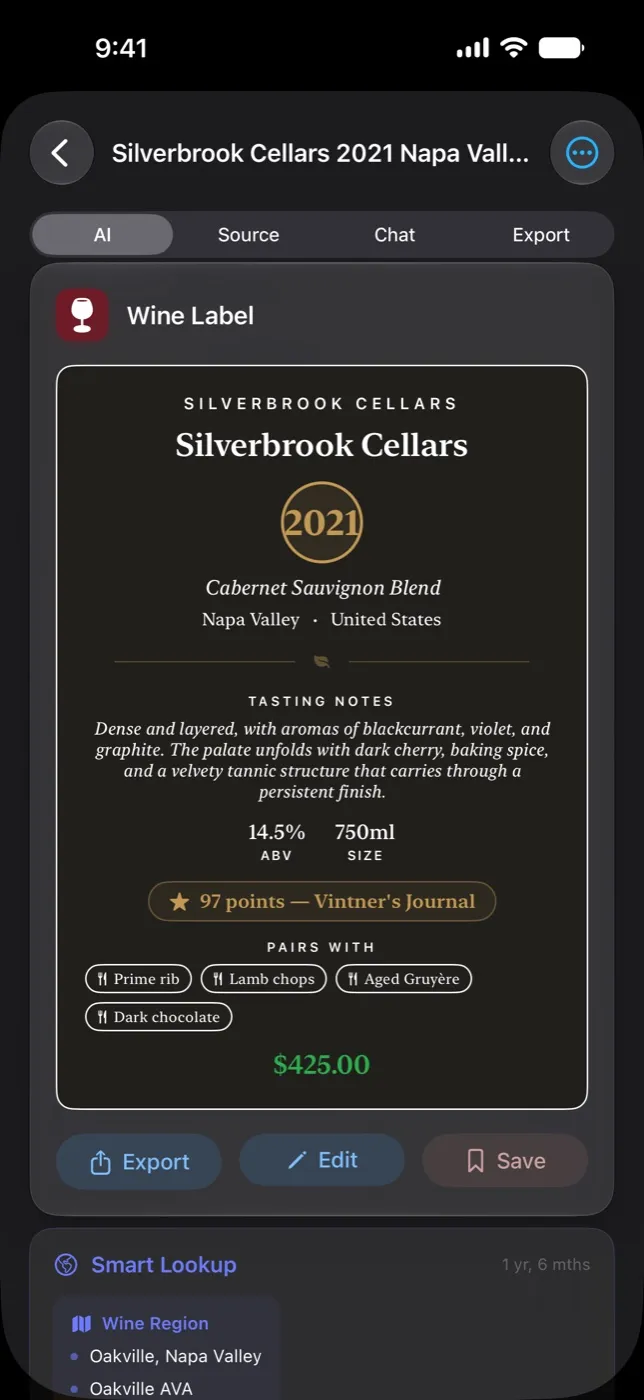
- 19 export modes
- Contracts to Calendar, business cards to Contacts, meeting notes to Reminders, receipts to a spreadsheet, or a clean PDF.
- Siri and Shortcuts
- Scan, search and open documents without opening the app.
Also in the box
- iPad, properly. A layout built for the bigger screen, not a stretched phone.
- iCloud sync. Your library on every device you own, when you turn it on.
- Kindle Scribe pages. Photograph an e-ink page like any other document.
- No account. Nothing to sign up for.